Why I use Wise
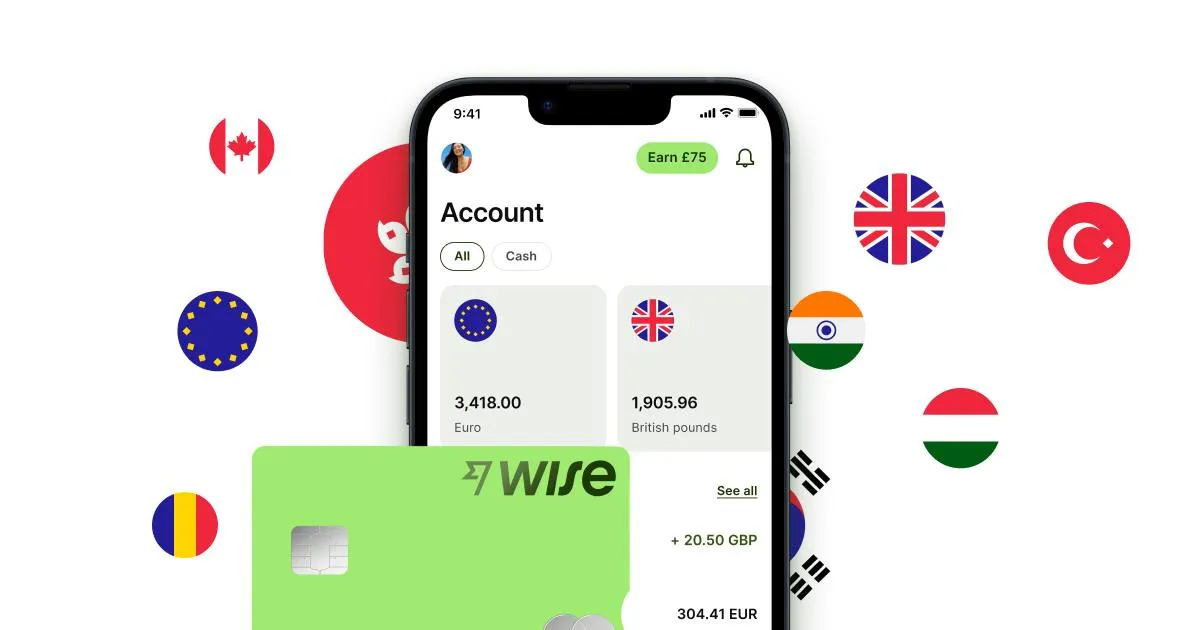
Wise is what I reach for when I need to send a larger amount to Mexico—for example when I pay rent, a deposit, or top up my Mexican account for the month. The rate is almost always better than both my home bank’s direct transfer and Revolut, especially for big sums.
How I do it, step by step
Step 1: Create a Wise account
Download the app or go to wise.com. Verify your identity with a passport or driver’s license. It takes 10–20 minutes, and sometimes Wise needs a couple of days to approve the account.
Step 2: Start a transfer in the app
- I open Wise and tap Send money.
- I enter the amount—Wise immediately shows what will arrive on the other side, including all fees.
- I see the real market rate. There are no hidden markups.
Step 3: Choose where the money goes
I have two main options:
- Send straight to my Mexican bank account. I need the CLABE number of the account.
- Send to my own Wise account in MXN, then use the Wise card or move the money later.
Step 4: Pay from your home bank
Wise gives me account details to transfer to. I log into my home bank, make a normal transfer, and send.
Tip: Choose a bank transfer rather than a card payment. Card costs more in fees.
Step 5: Wait (but not long)
The money usually reaches my Mexican account within a few hours to 1 business day. Much faster than a classic SWIFT transfer.
Pros
- Real market rate—no hidden markups
- Very low fees, especially for large amounts
- Much faster than classic SWIFT (hours instead of days)
- You see all costs before you confirm
- You can send straight to a Mexican bank account
- The Wise card works in Mexico like a normal bank card
Cons
- Account creation can take a couple of days
- Slightly more complex to set up than Revolut if you only want cash
- Requires the CLABE number if you send to a Mexican bank
- Verification of large transfers may require extra documentation
What it actually costs me
For a transfer of a few thousand dollars to a Mexican bank account, I usually pay around 0.3–0.6% in combined fees. That’s much cheaper than a home-bank SWIFT transfer (1–3% plus fixed fees) and than Revolut for amounts that large.
Wise or Revolut?
I actually use both, and here’s how I split it:
| Situation | I use |
|---|---|
| Everyday spending, card in shops, small withdrawals | Revolut |
| Sending a larger amount to a Mexican bank | Wise |
| Paying rent | Wise |
| Eating out, taxis, street food | Revolut |
| Exchanging on weekends | Neither (I wait for a weekday) |
My recommendation
If you’re just visiting Mexico on vacation and need a bit of pesos in your pocket, Revolut alone is enough.
If you live in Mexico, or need to send large amounts from abroad, I recommend having both Wise and Revolut. They solve different jobs, and together they replace almost everything I need from a regular bank to get by in Playa del Carmen.
💛 A small honest note from me
If you found this post useful and are thinking about trying Wise yourself, I’d be really glad if you used this referral link to create your account:
It costs you nothing extra. New users often get a free first transfer up to a certain amount as a welcome gift. For my part, I get a small commission that helps me keep the blog alive.
Here’s how affiliate links work: when someone clicks my link and creates an account, Wise gives me a small thank-you for the tip. I only recommend things I use myself every single month, and you pay nothing extra. It’s a normal way to support independent bloggers, and it’s what lets me keep writing honest guides like this one without filling the page with annoying ads.
Thank you if you use the link. If not—totally fine, and thanks for reading! 🌴